


6+

Volledig zicht
Gelijkwaardige producten
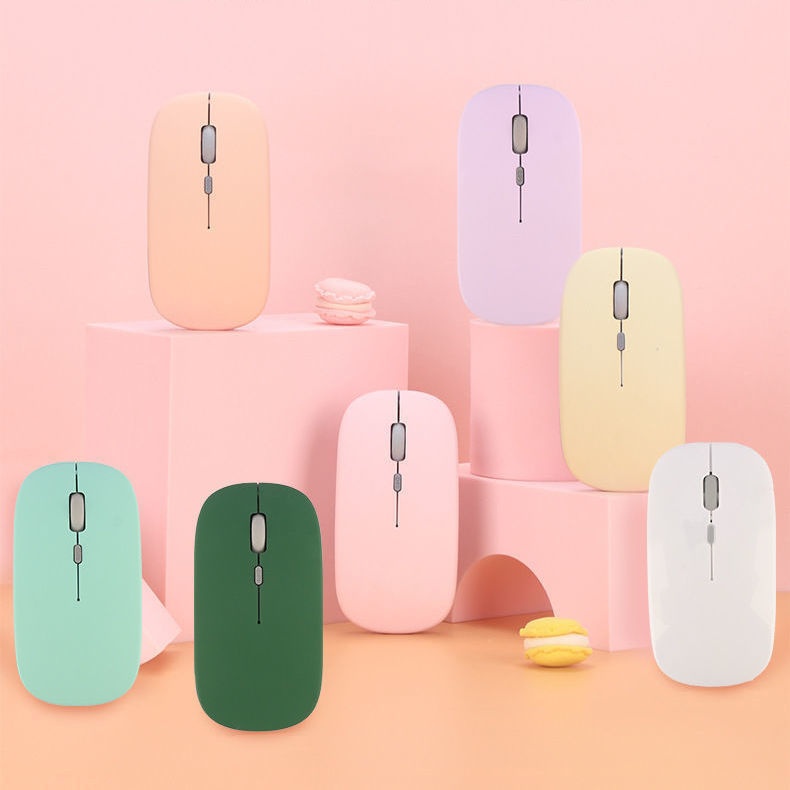
Digitex Dual-mode draadloze Bluetooth-muis, compatibel met mobiele telefoons, iPads, laptops, desktops en een stil toetsenbord.
€15,78€21,55
Kleur : Zwart Bluetooth-batterijmodel


Hoeveelheid :
 Customer Service
Rapport
Inclusief inbreuk op het auteursrechtGratis standaard verzending. Zie de details
Geschat tussen Sat, May 9 en Wed, May 13
U kunt het product binnen 30 dagen na ontvangst retourneren. Zie de details
Winkel met vertrouwen

Geld-terug-garantie
Ontvang het bestelde artikel of krijg uw geld terug. Meer informatie
Over dit item
Afkomstig van Digitex
De verkoper aanvaardt alle verantwoordelijkheid voor deze aanbieding.Item nummer: 32956852
Artikelspecificaties
Functies
Gemengd licht, enkel licht, mat
As
Optische as, groene as, thee-as
Numeriek toetsenbord
Nee ja
Verbinding
Bluetooth
Maat
100 mm-120 mm, 121 mm-130 mm, <100 mm
Itembeschrijving van de verkoper
If the phone cannot find Bluetooth because it does not support 5.0, the solution is to press and hold the DPI green light until it changes from fast flashing to slow flashing after powering on, then switch directly back to 3.0
1. The battery-powered Bluetooth mouse does not include a receiver and is shipped without batteries: it supports smart Bluetooth phones and tablets of any model or brand, with an iPad system requirement of IOS13 or higher. Only compatible with Windows systems running Windows 10 or above for Bluetooth use, or purchase dual-mode for universal compatibility!
2. Rechargeable Dual-Mode Bluetooth Mouse with Receiver, Rechargeable Bluetooth Connection, Also USB Wireless Connection! Compatible with Any Mobile Phone, Tablet, Desktop Computer!
Rechargeable version: Remove the receiver, plug it into the computer USB port, approach the receiver and turn on the switch at the bottom of the mouse. Wait a few seconds; the bottom light flashes, indicating successful connection.If there are any issues, please try reconnecting the receiver and turning the mouse on and off until the connection is successful
Bluetooth Version: Turn the switch on the bottom of the mouse to the Bluetooth position. At this time, the mouse light will flash in a waiting state for connection. Turn on the Bluetooth function of your device and search for 'BT5.2 MOUSE' or 'BT 3.0 MOUSE'. Choose either one to connect. If you encounter any issues, you can press and hold the DPI button for 5 seconds until the mouse light changes to a flashing waiting state for connection, then search for connection again


 4.4 uit 5 gebaseerd op 9,249 reviews